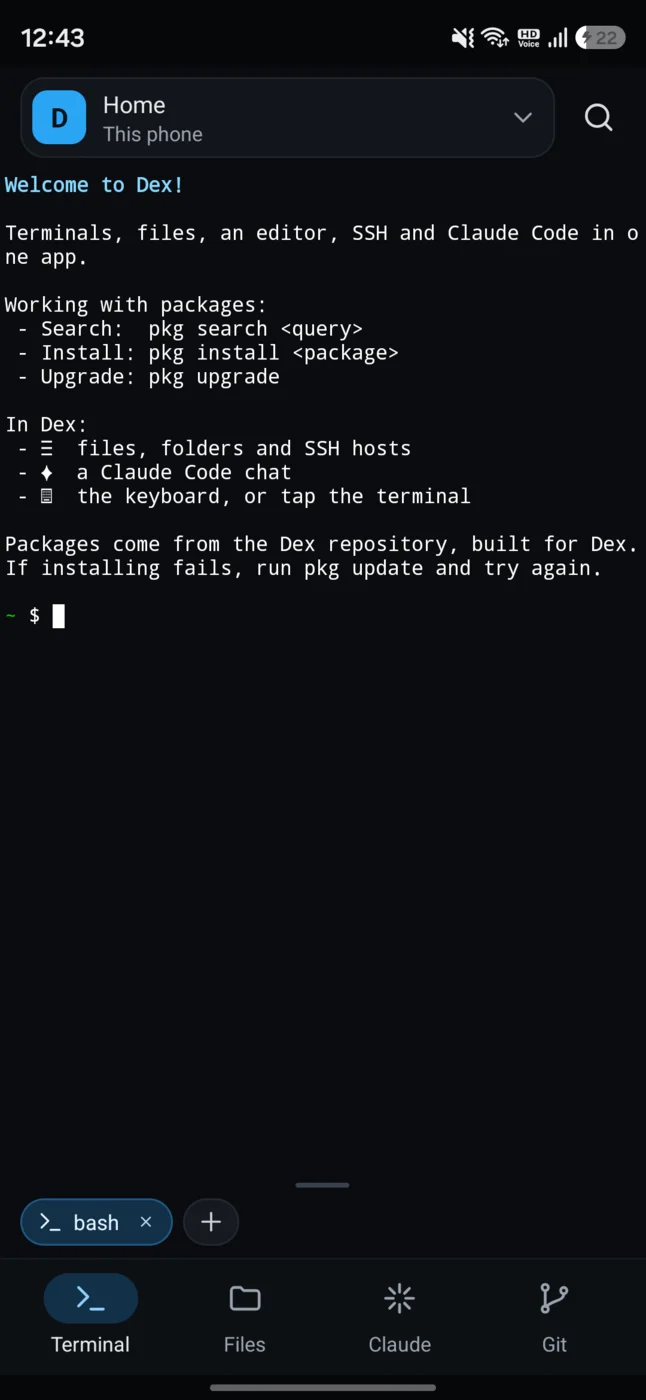
Terminal
- Several terminals per machine, switched from the strip above the tabs.
- An extra keys toolbar — ESC, CTRL, ALT, arrows — above the keyboard.
- The keyboard opens only when you tap the terminal, so switching tabs doesn't pop it up.
- Terminals keep running in the background. The notification can hold a wake lock, so long jobs survive the screen going off.
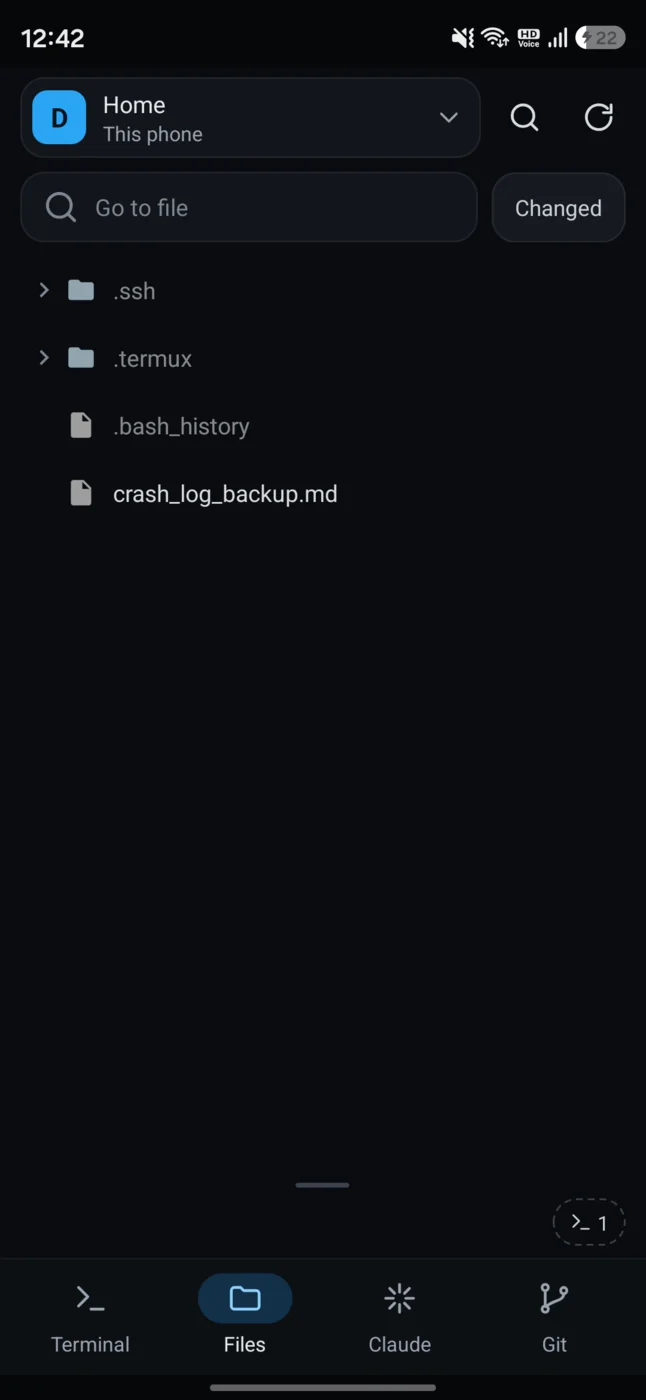
Files
- A tree of the workspace folder with Git status on every file and folder: changed, added, untracked.
- Text opens in an editor with syntax highlighting, line numbers, wrapping, undo and redo.
- Images, video, audio and PDFs open in their own viewers.
- On an SSH host, upload and download with progress.
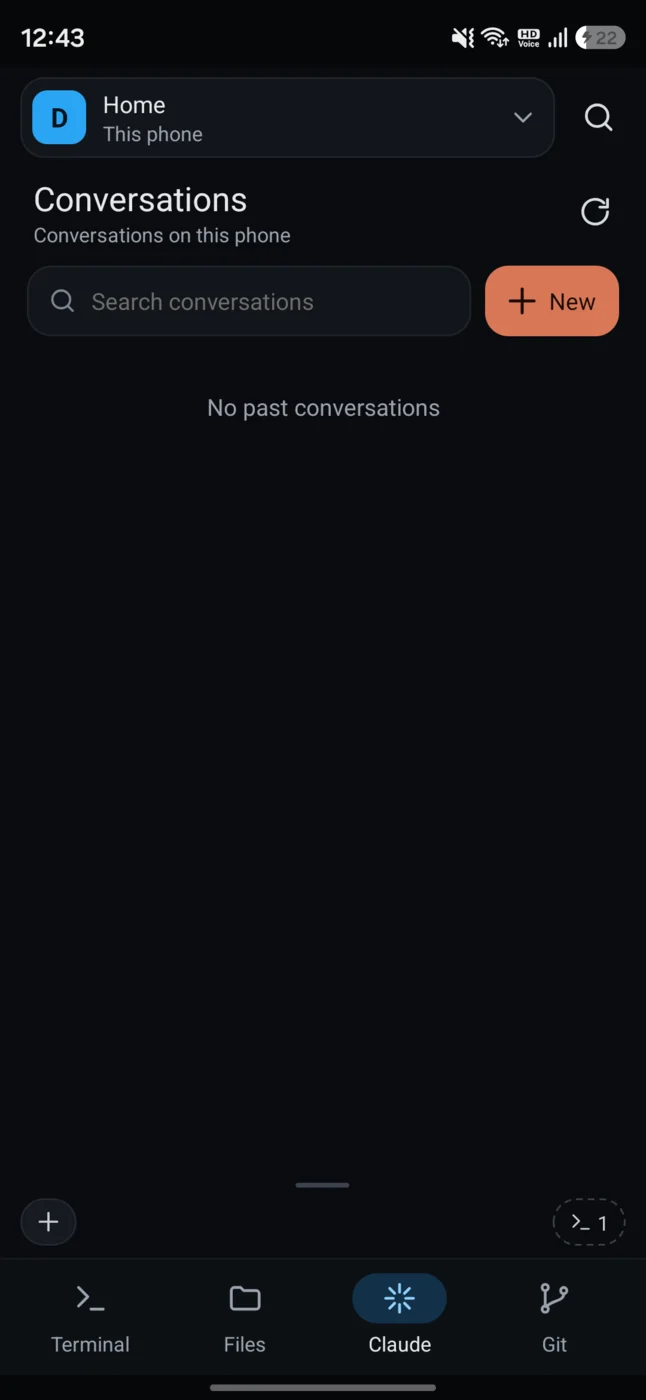
Claude Code
- Chats with Claude Code, running on the machine the workspace is on.
- Pick the model, the effort, and the permission mode — ask before edits, accept edits, auto, or bypass.
- Find text in a chat, and search past conversations.
- Tap a file Claude mentions and it opens; go back and you're in the chat again.
- A notification when Claude replies or asks permission while you're elsewhere.
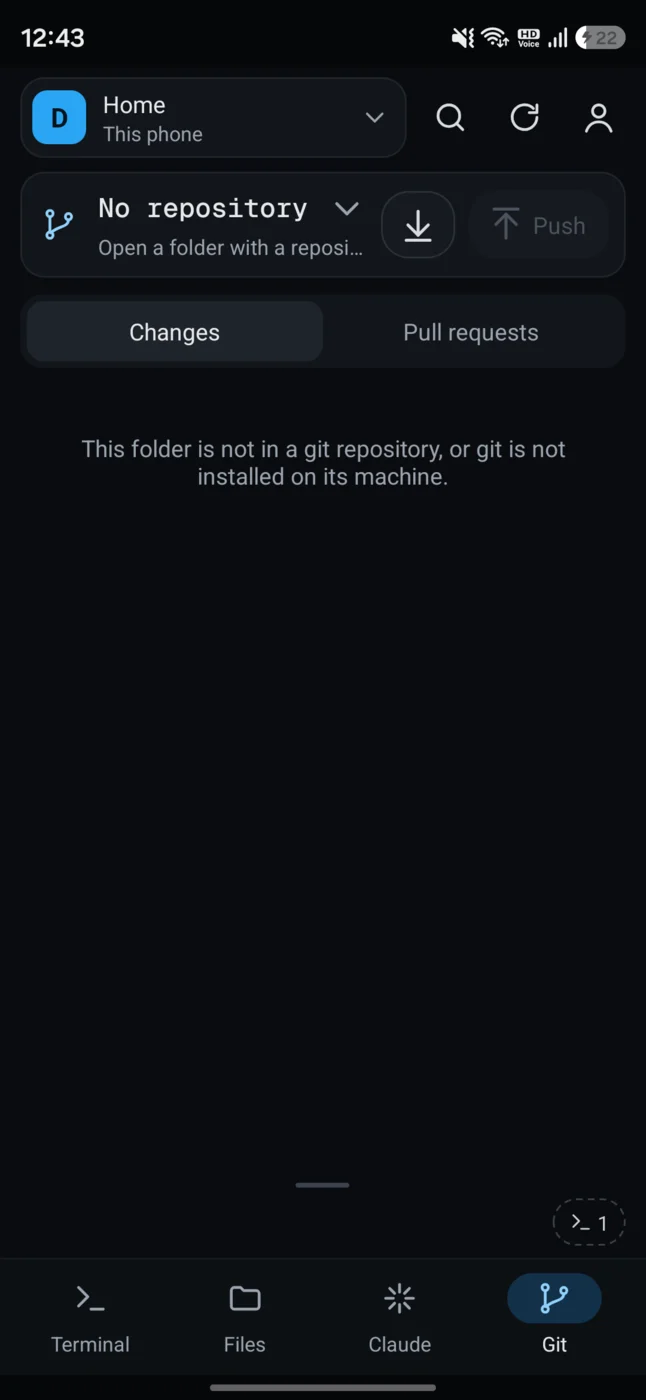
Git & pull requests
- The repository's changes, with a diff for each file. Stage, unstage, discard, commit, push, pull.
- Switch and create branches.
- GitHub pull requests for the workspace repo, with filters — read one, review it, merge it, or open a new one.
- Git runs on the machine the workspace is on, not on the phone.
Cycling through the tabs — tap one to take over.